

// Free & premium PNG packs
Twitch emotes
Ready-made Twitch emote packs for every mood in chat: cute animals, text reactions and seasonal characters. Free sets download instantly by email; premium sets arrive after checkout. Every pack includes transparent PNGs in Twitch-ready sizes — open a pack to see its artwork, price and exact files.
Emote shop
171+ badges & emotes to choose from
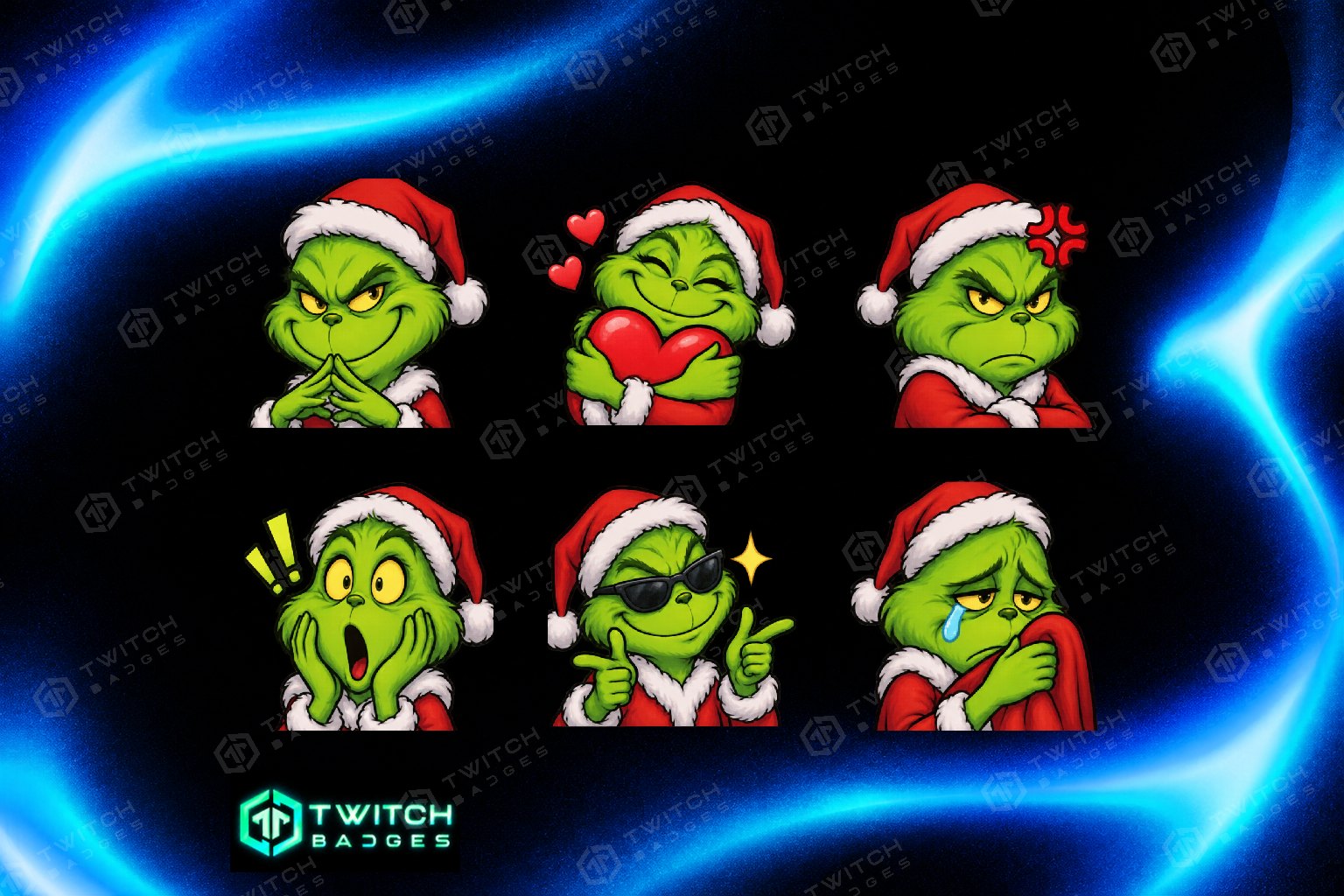
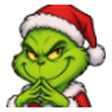
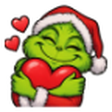

Grinch
6 emotes · 112 / 56 / 28 px · Preview in chat →
Funny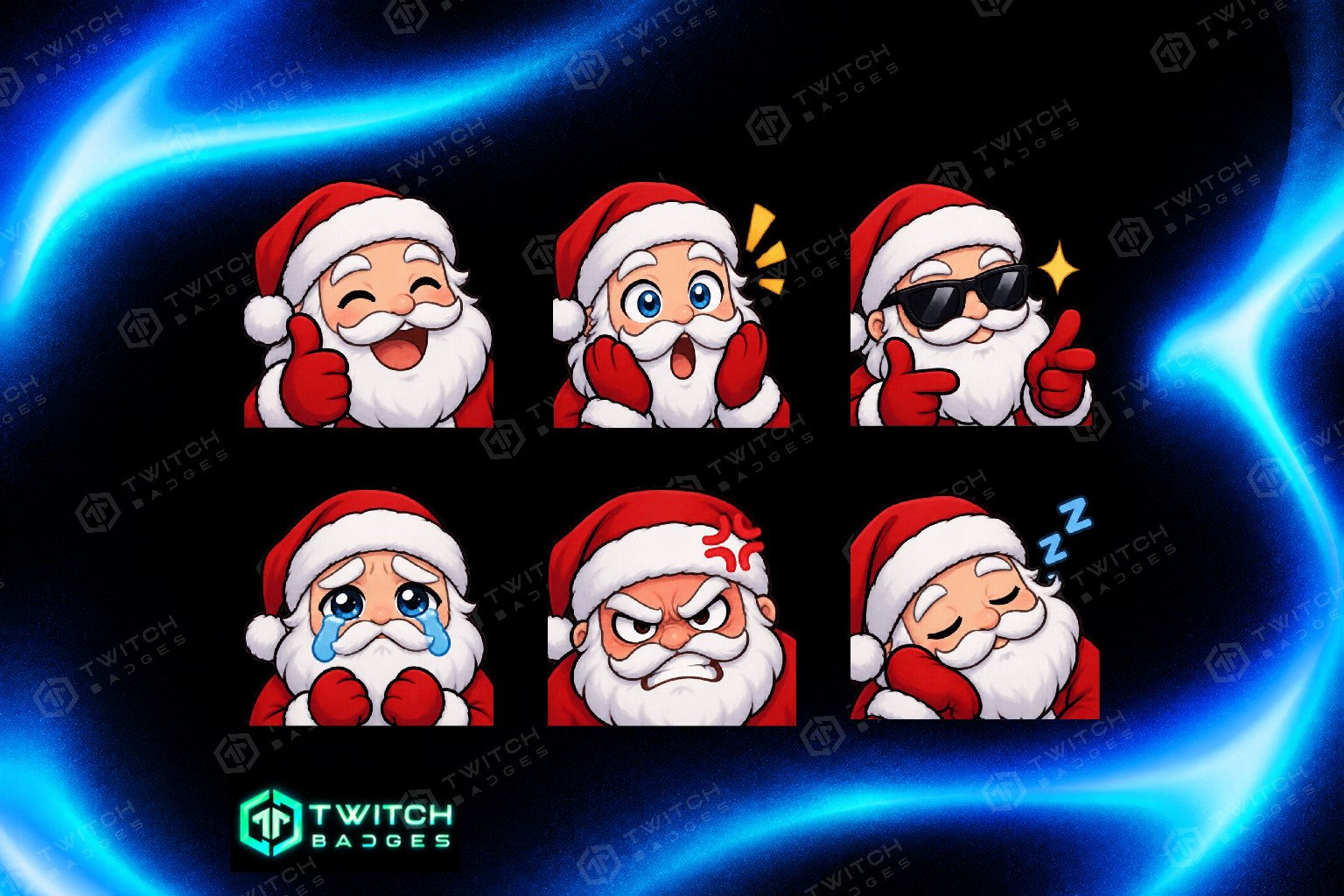
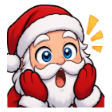
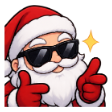
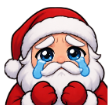
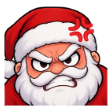
Santa
6 emotes · 112 / 56 / 28 px · Preview in chat →
Funny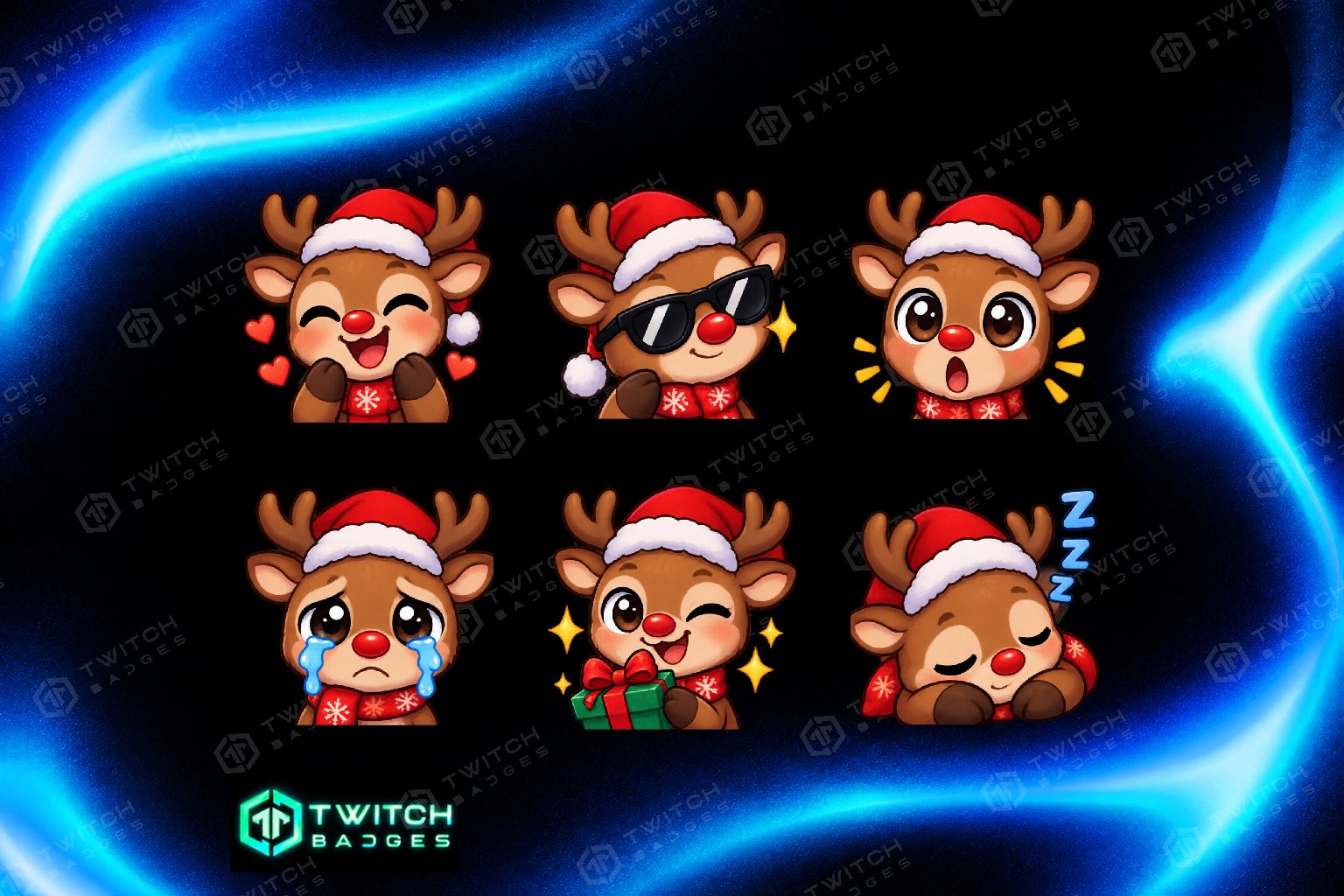
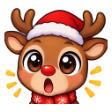
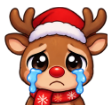
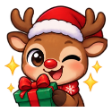
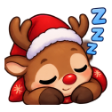
Reindeer
6 emotes · 112 / 56 / 28 px · Preview in chat →
Animals
Snowman
6 emotes · 112 / 56 / 28 px · Preview in chat →
Funny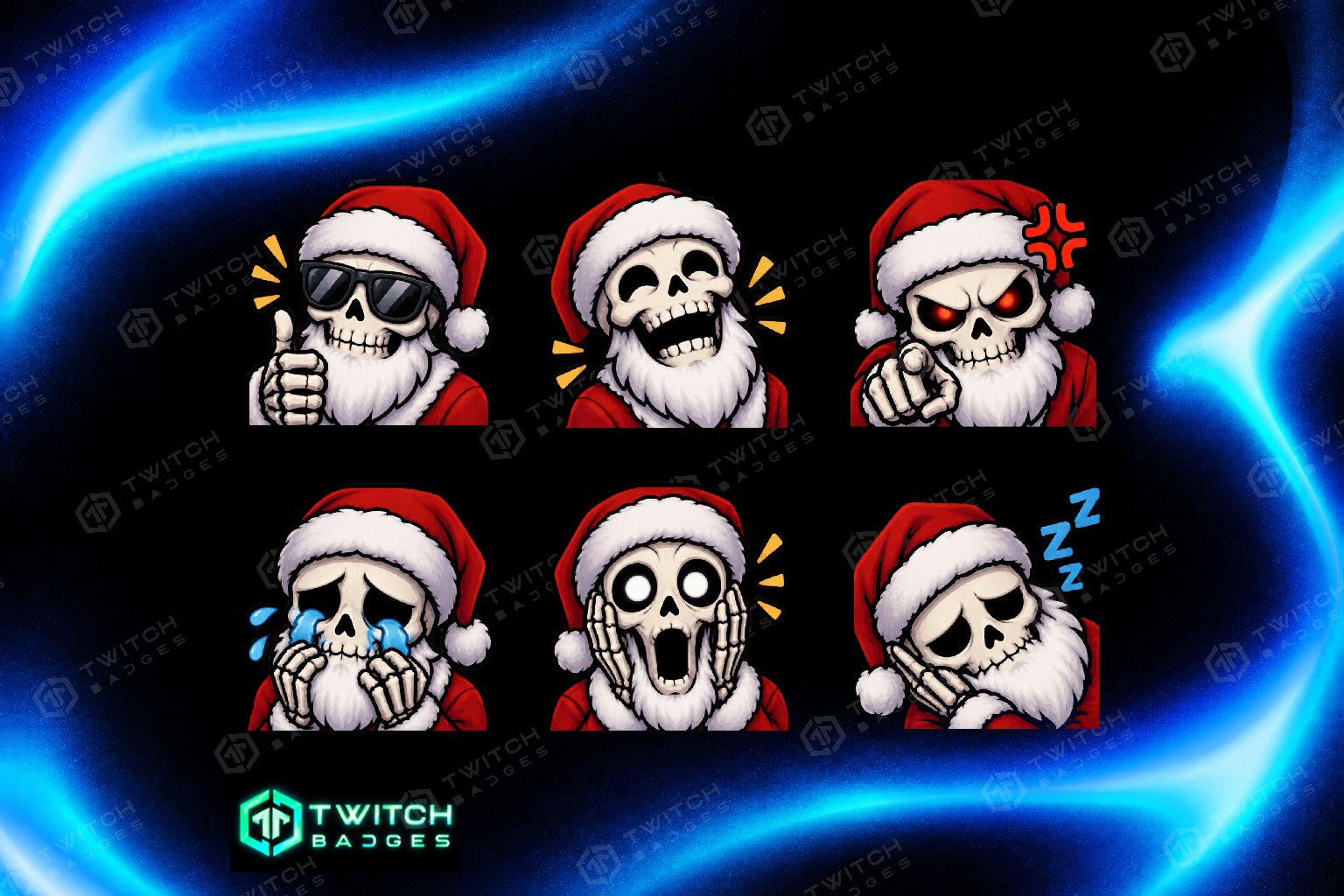
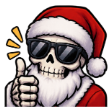
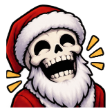
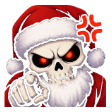

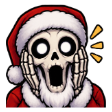
Santa Skull
6 emotes · 112 / 56 / 28 px · Preview in chat →
Horror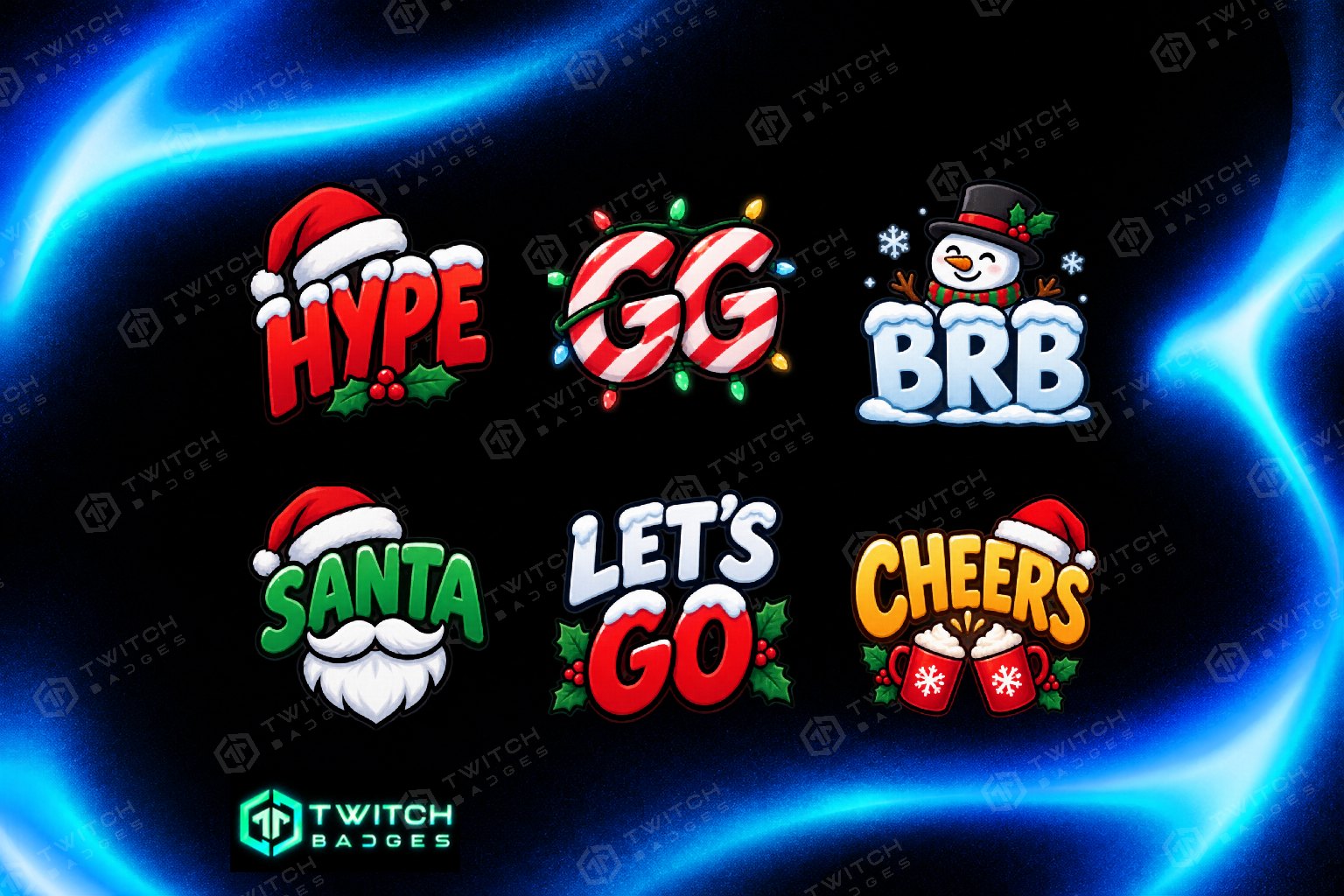


Christmas Text V2
6 emotes · 112 / 56 / 28 px · Preview in chat →
Funny
Free Text
2 emotes · 112 / 56 / 28 px · Preview in chat →
Funny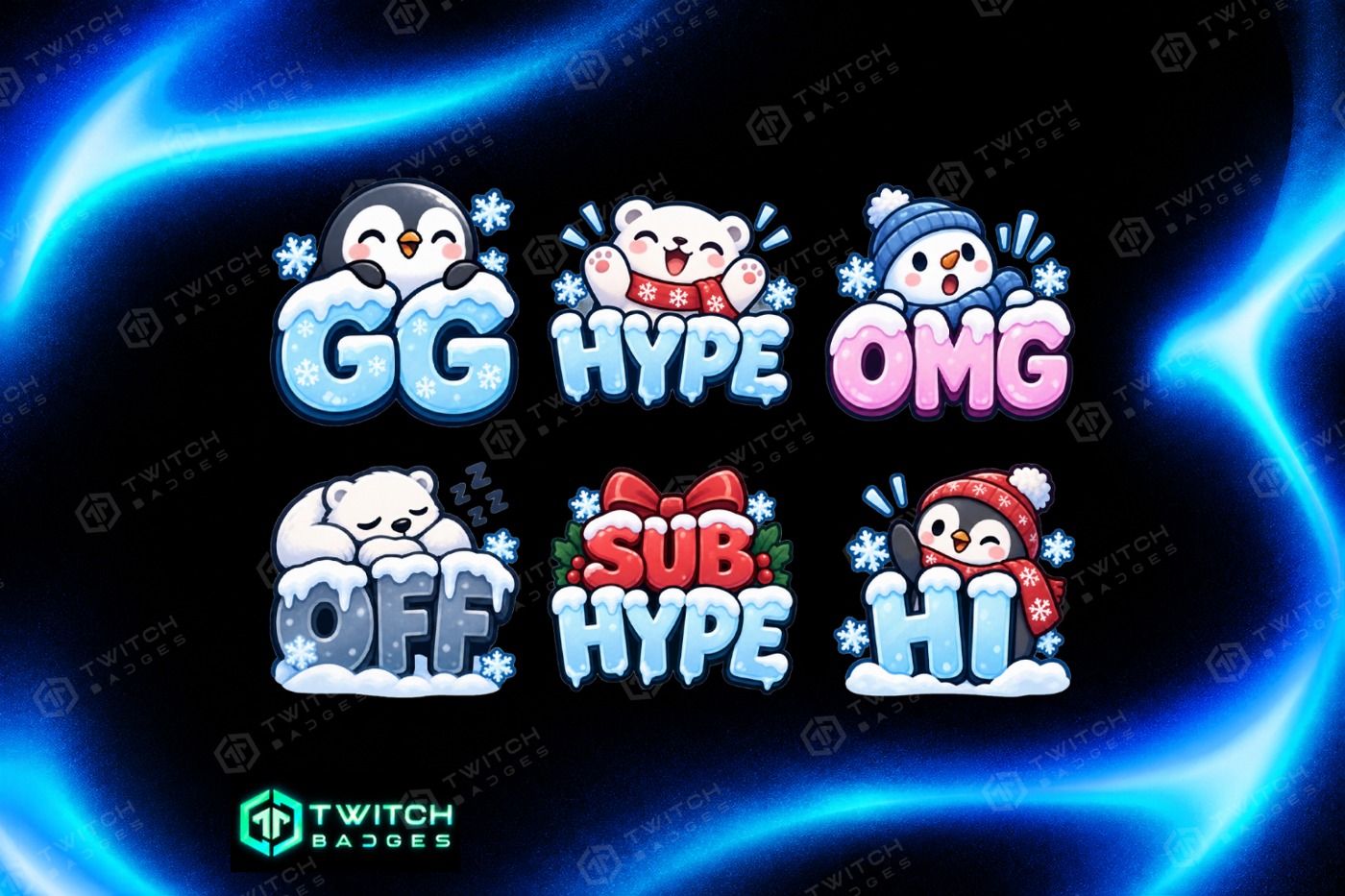
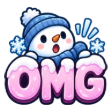
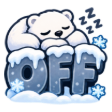
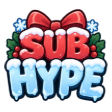
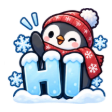
Winter Text
6 emotes · 112 / 56 / 28 px · Preview in chat →
Funny
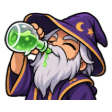
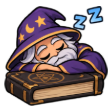
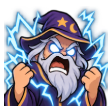
Wizard
6 emotes · 112 / 56 / 28 px · Preview in chat →
Fantasy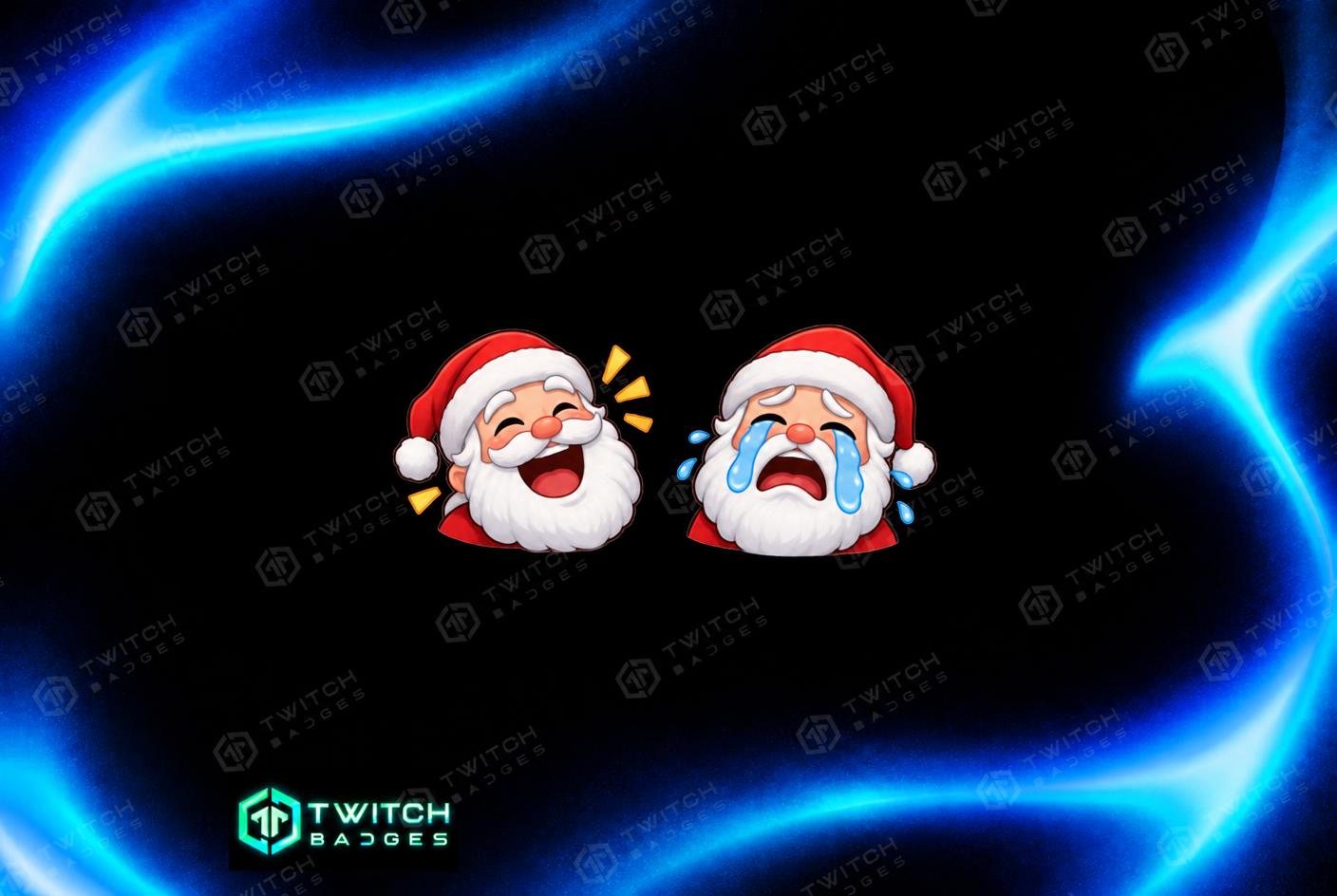
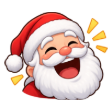
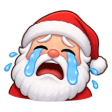
Free Santa
2 emotes · 112 / 56 / 28 px · Preview in chat →
Funny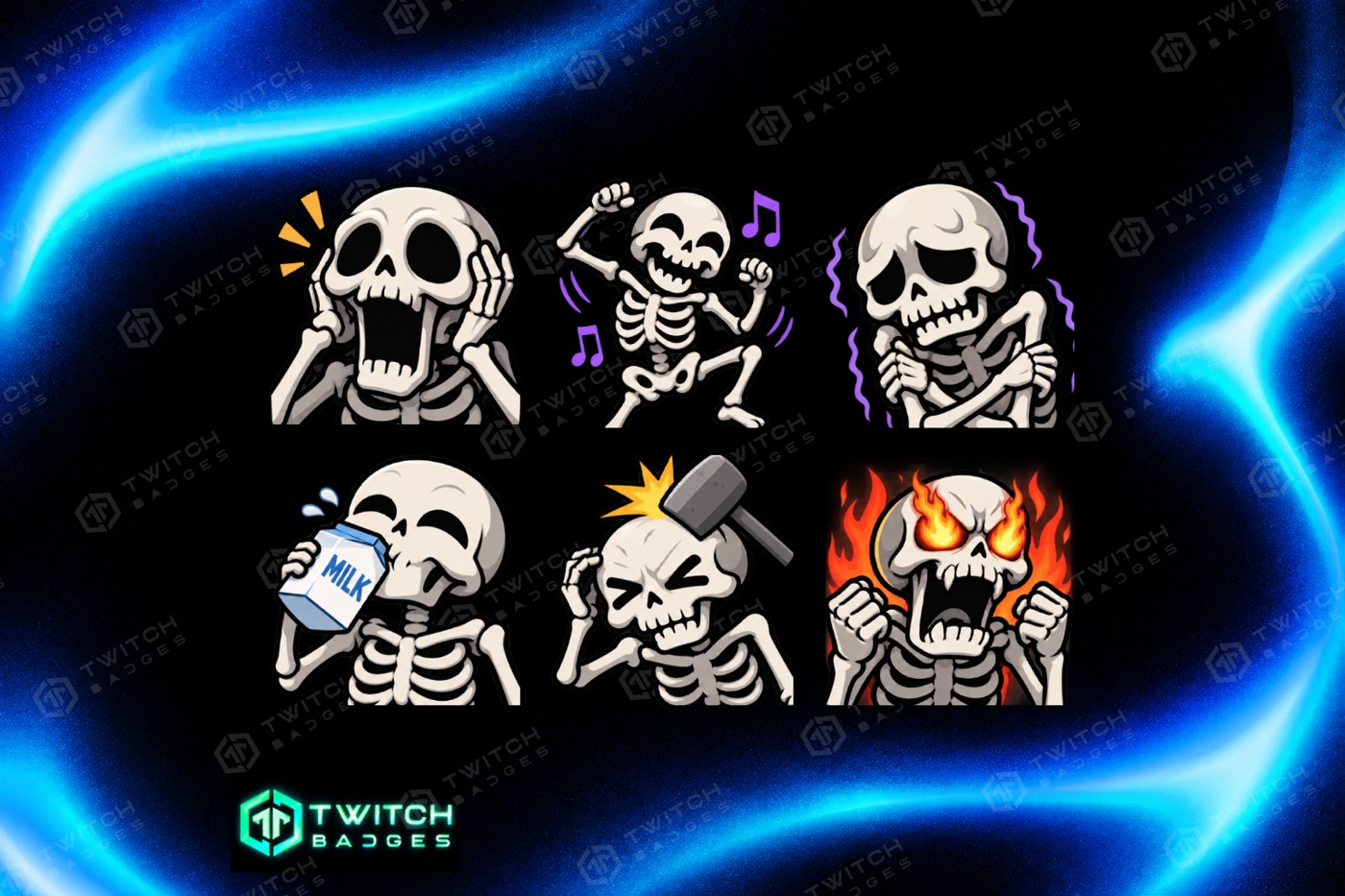
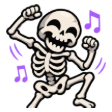
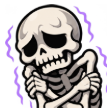
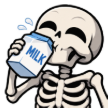
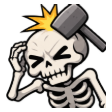
Skeleton V3
6 emotes · 112 / 56 / 28 px · Preview in chat →
Horror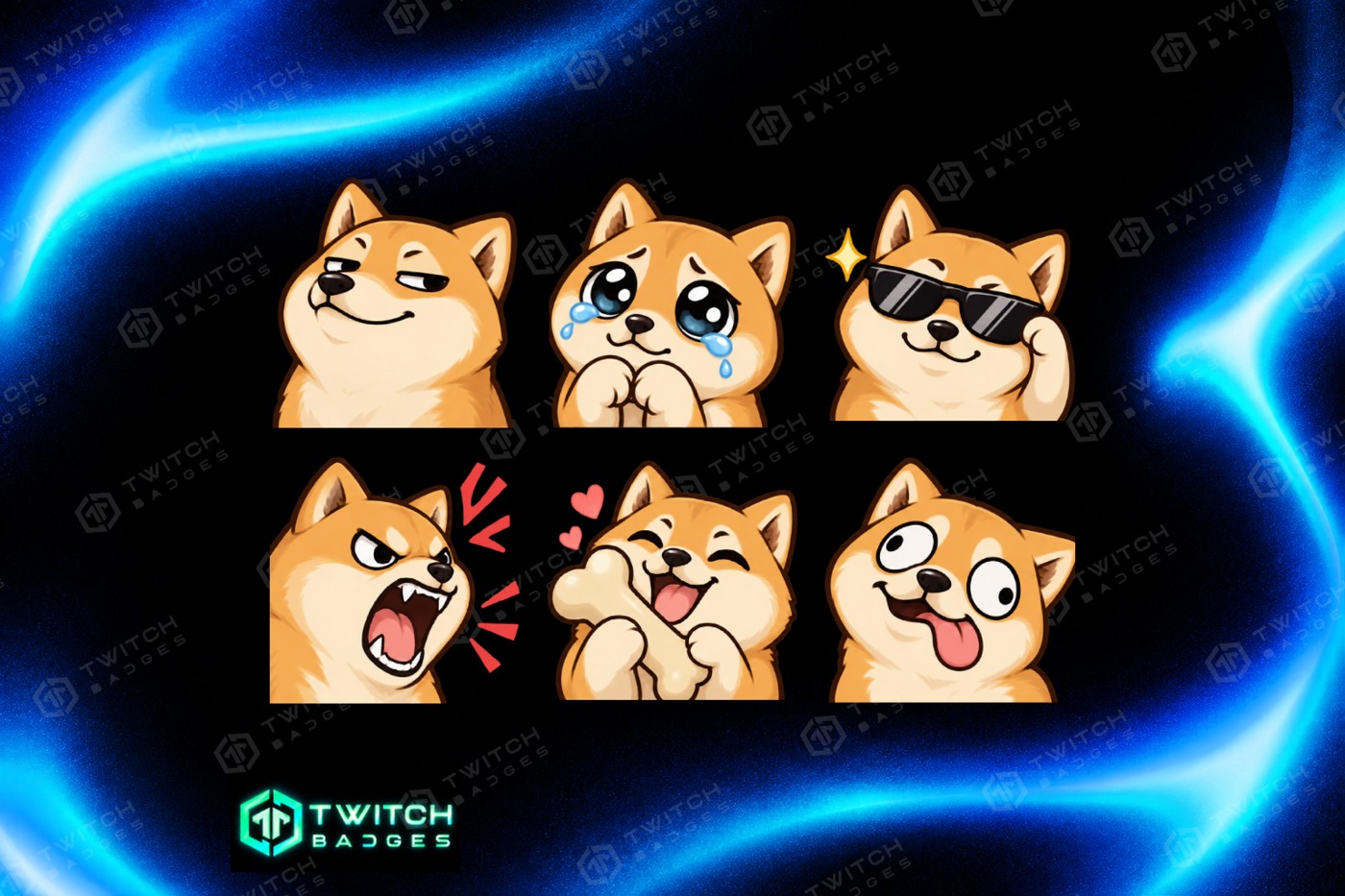
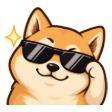
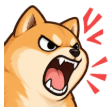
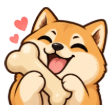
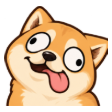
Shiba Inu
6 emotes · 112 / 56 / 28 px · Preview in chat →
Animals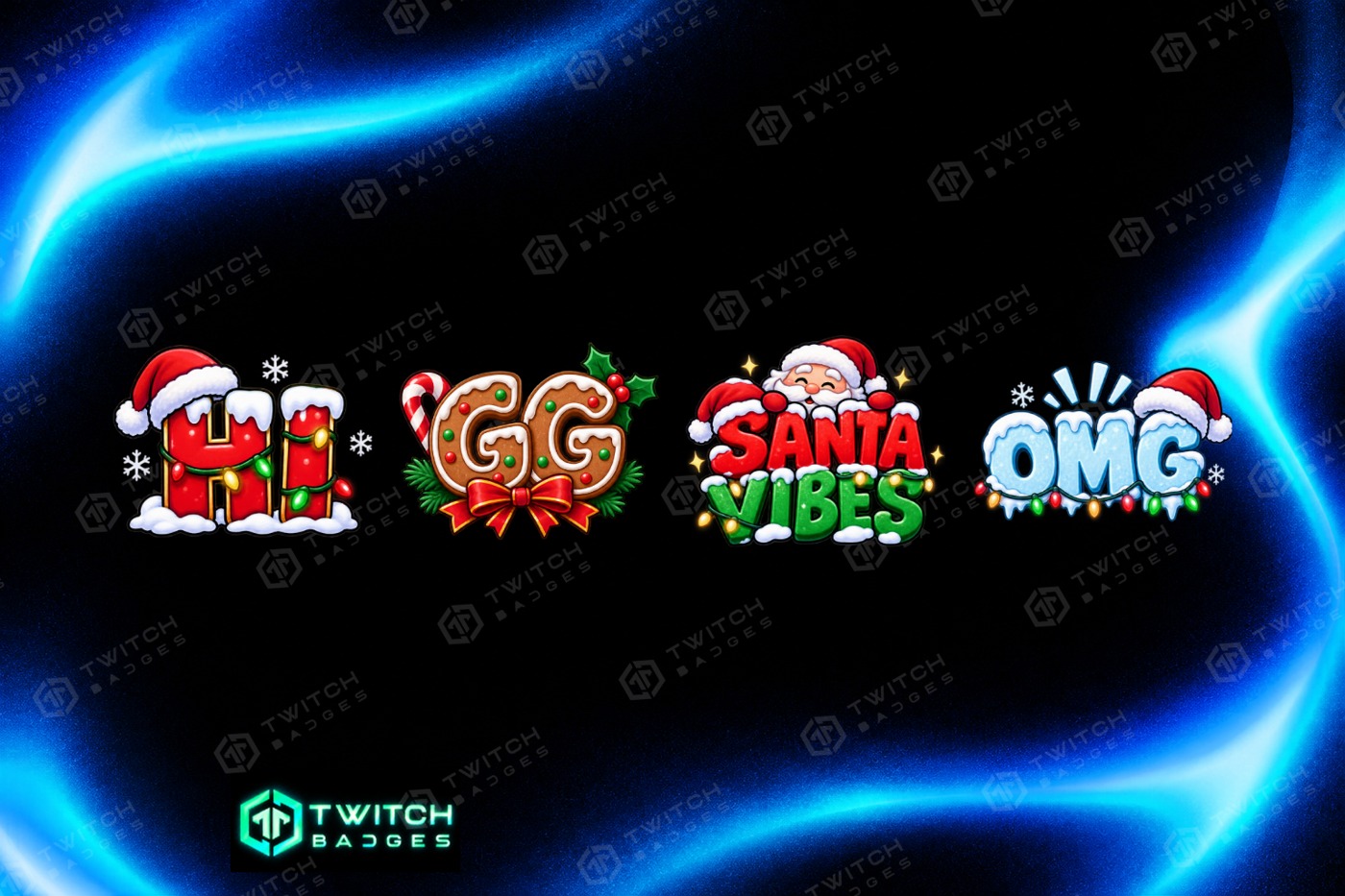



Santa Text
4 emotes · 112 / 56 / 28 px · Preview in chat →
Funny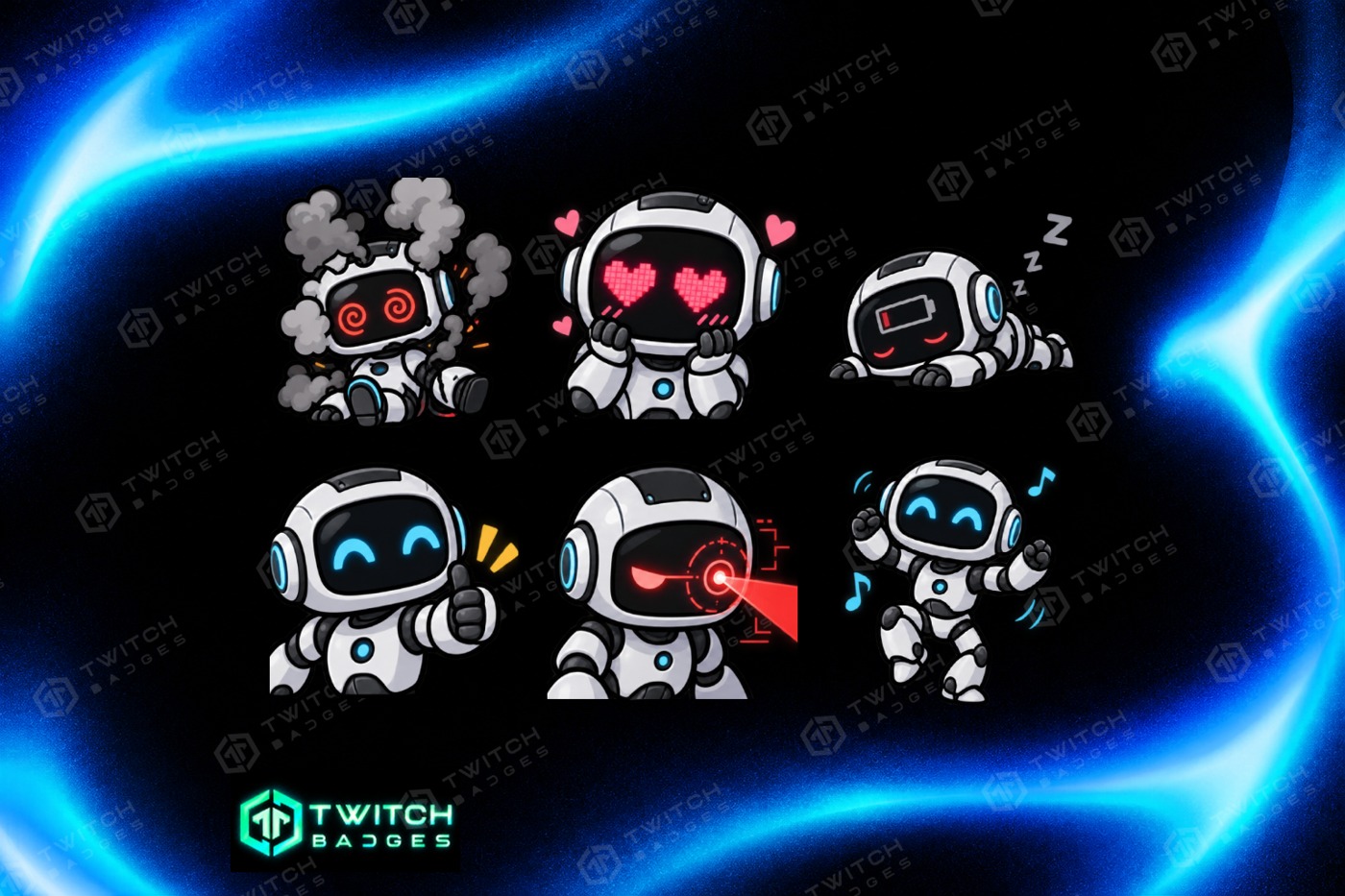


Robot
6 emotes · 112 / 56 / 28 px · Preview in chat →
Gaming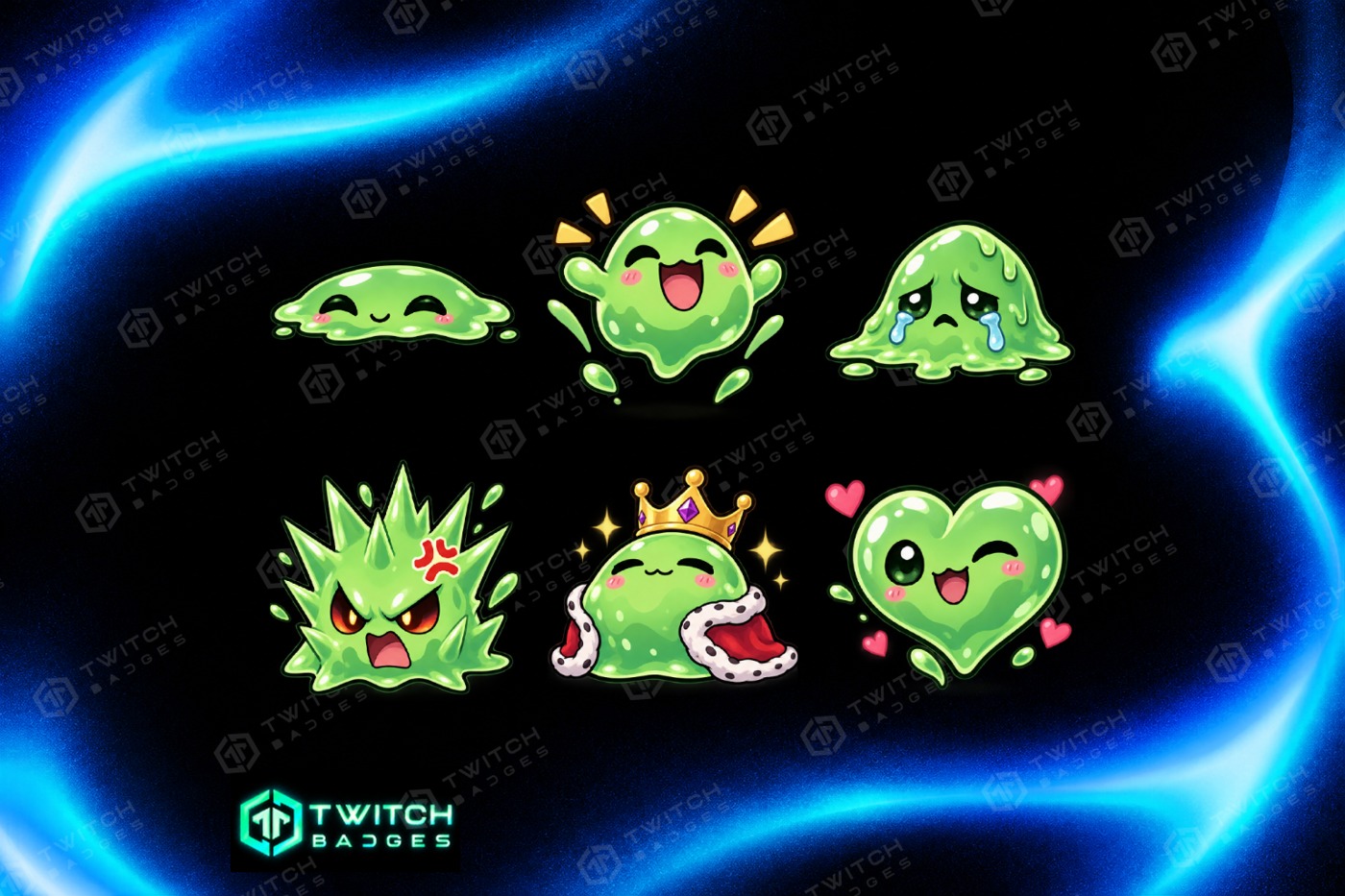

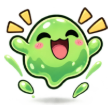
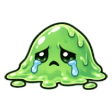
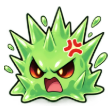
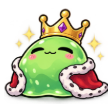

Slime
6 emotes · 112 / 56 / 28 px · Preview in chat →
Fantasy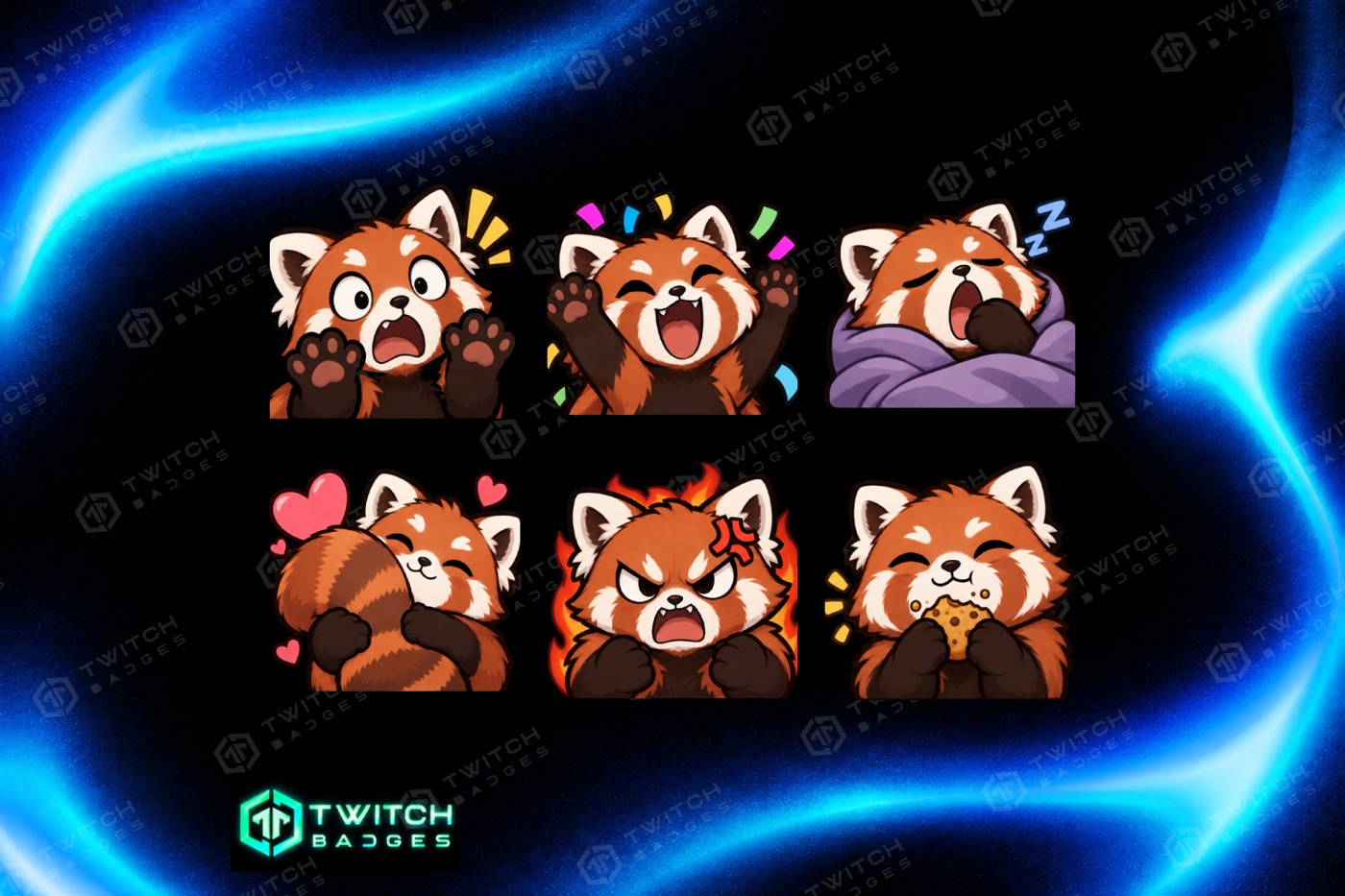
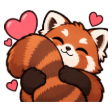
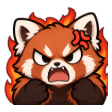
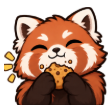
Red Panda
6 emotes · 112 / 56 / 28 px · Preview in chat →
Animals// From pack to chat
Choose your Twitch emote pack
What does an emote pack include?
These are ready-made PNG emote designs, not a drawing tool or a custom commission. The catalogue includes cute animals, skeletons, slime, holiday characters and text reactions. Each product page shows the artwork and the number of designs in that set.
For example, Free Text includes two designs in three sizes (6 PNG files), while Winter Text and Wizard include six designs in three sizes (18 files). Contents vary between packs, so check the individual listing for its supplied sizes and files.
What size are Twitch emotes?
For manual static-emote uploads, Twitch uses 112×112, 56×56, 28×28 pixels. Files must be square, transparent PNGs no larger than 1 MB each. Many recent packs include all three exported sizes; use the files specified on your chosen pack’s page.
Twitch also supports automatic resizing from one square PNG between 112×112 and 4096×4096 pixels. These packs supply static artwork, not animated GIF emotes. See the official Twitch emote guidelines for upload requirements.
Free or premium: how do I download?
Free packs are marked $0. With only free items in your cart, enter your email to get a ZIP download and an email download link; no payment is needed. Premium packs show their own price and go through checkout, with files available after a successful order and a download link by email.
Visit Free Designs for free Twitch emotes alongside free badge sets. Premium designs are also shown there and remain clearly priced.
How do I use the emotes on my channel?
Unzip your download, then open the emote settings in your Twitch Creator Dashboard. Choose an available emote slot, upload the matching PNG files and set the emote name. Emotes belong in emote settings, not Subscriber Badges.
Your available slots and any review requirements are controlled by Twitch. A download does not add an emote to your channel automatically or guarantee approval. The Streamer Guide covers file formats and links to Twitch’s current guidance.